
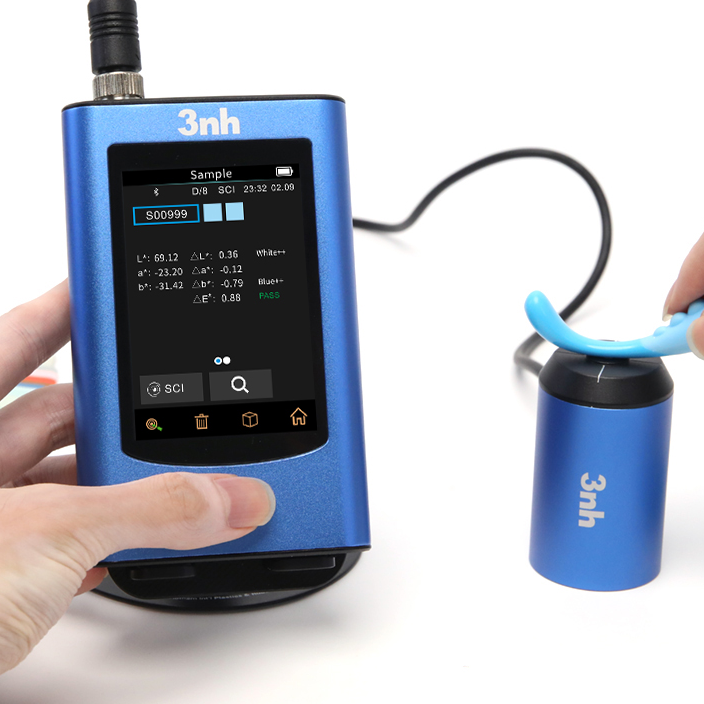
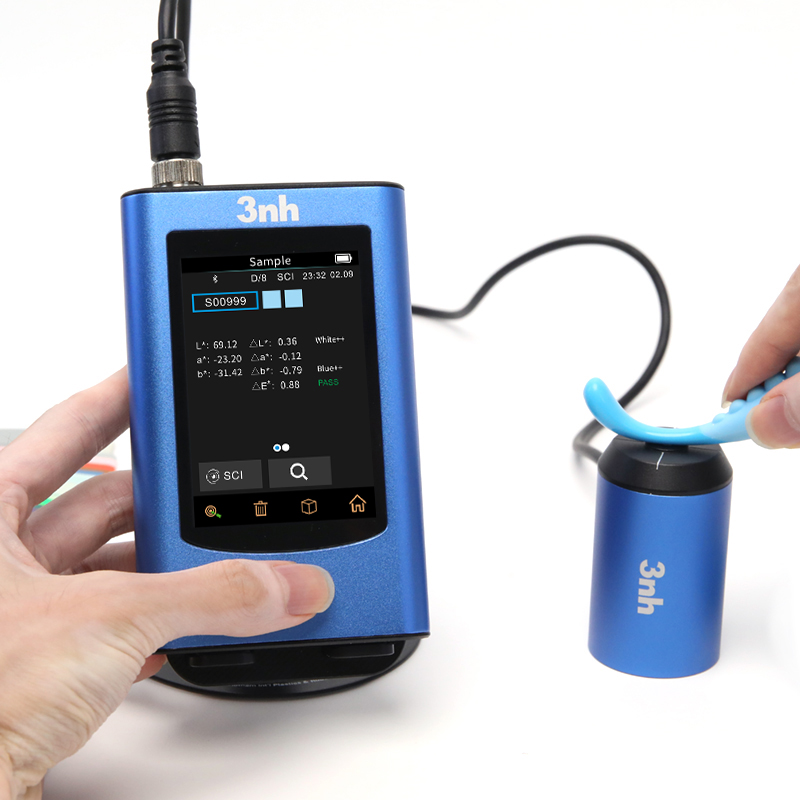
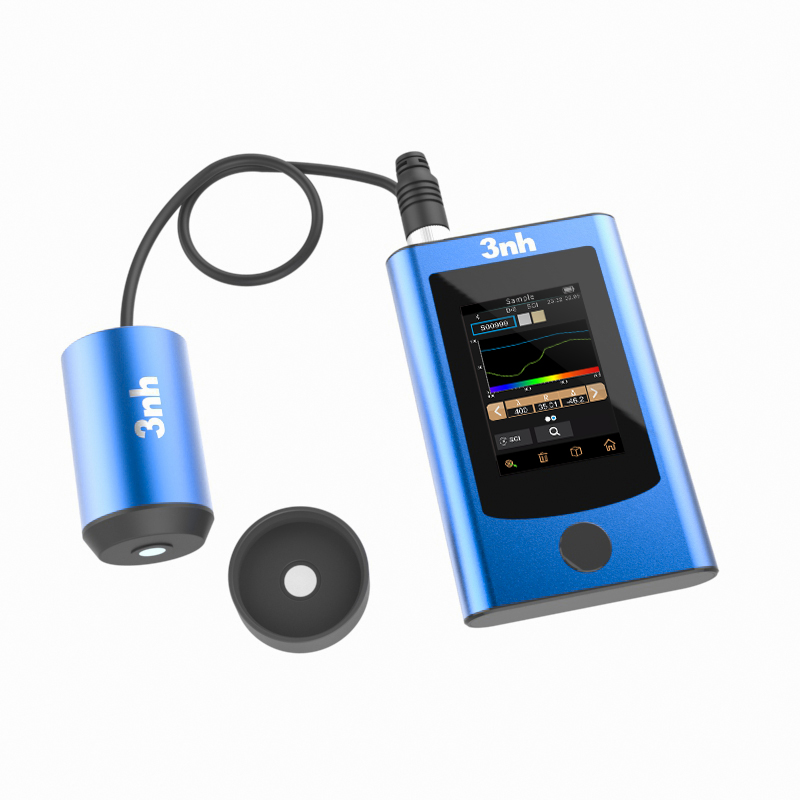
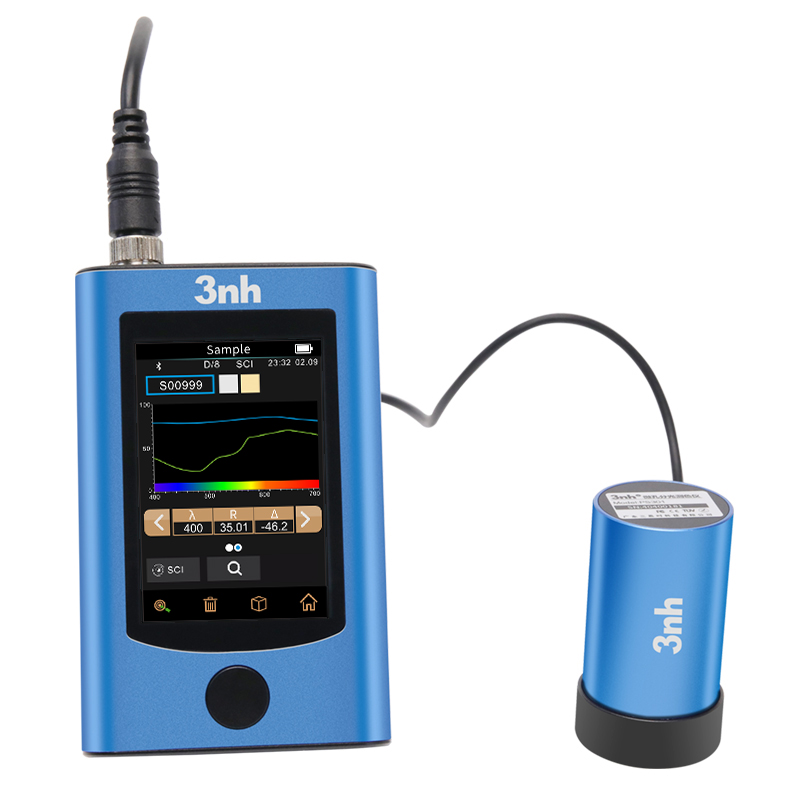
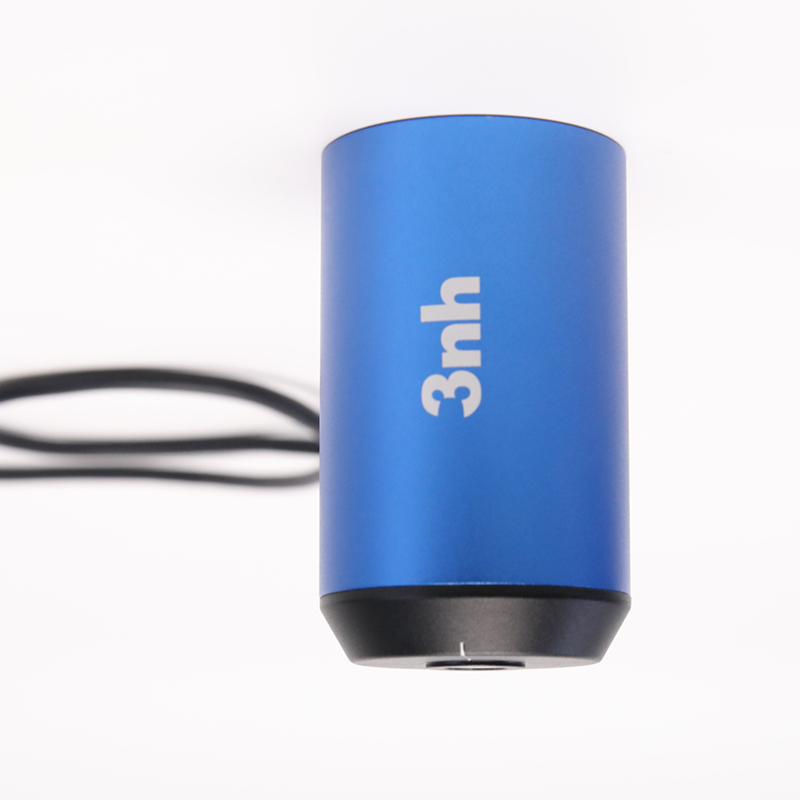
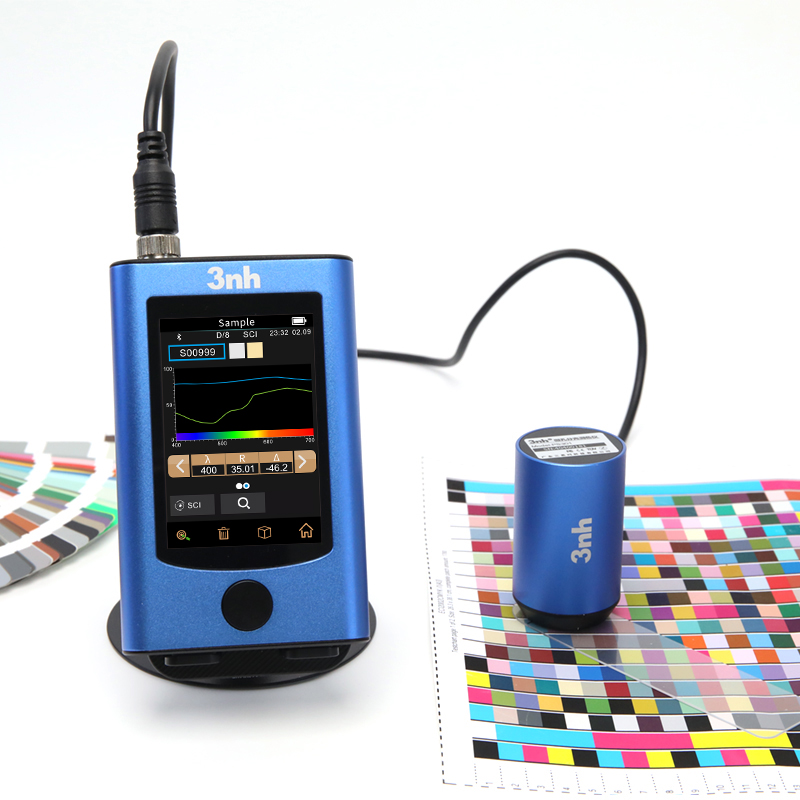
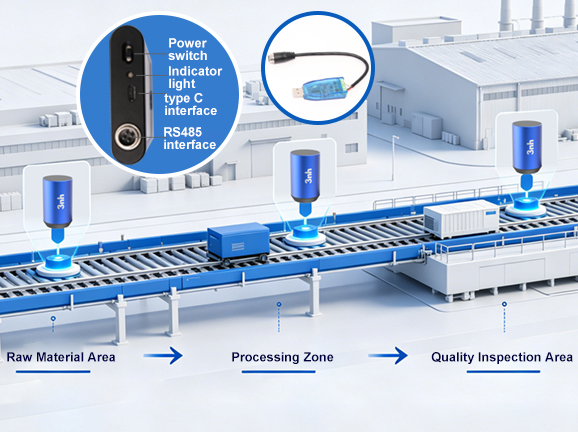
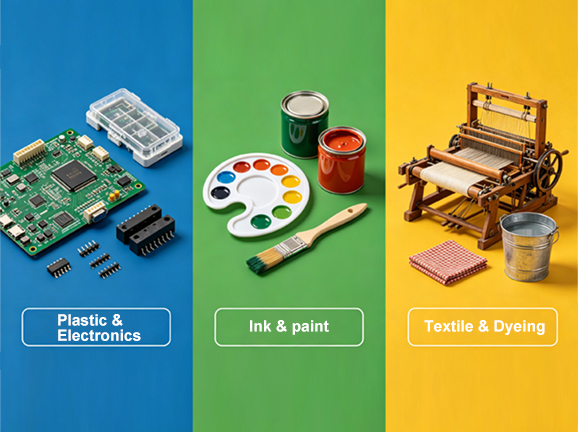
The PS401 features a dual-purpose design: it can be used as a single unit ("main unit + probe") for handheld measurement needs, or the probe can be used independently for flexible integration into industrial automation equipment. Equipped with USB, Bluetooth, and RS485 and other mainstream industrial interfaces, it supports multi-device communication and collaborative work, allowing for rapid integration into various automated production lines to build distributed color measurement systems and meet the needs of multi-point synchronous color monitoring on complex production lines. It is widely used for color difference quality control in industries such as plastics and electronics, paints and inks, textiles and apparel printing and dyeing, printing, and ceramics.
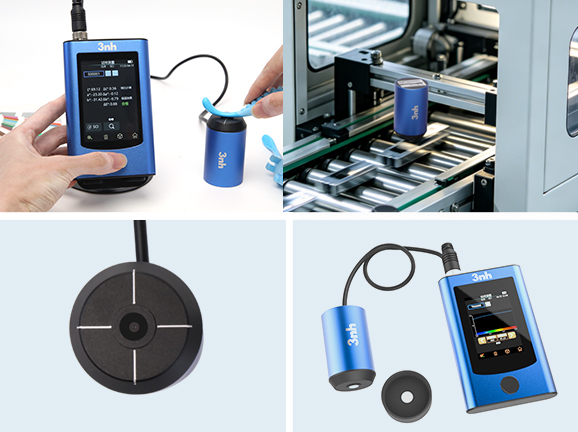
Handheld + probe dual-use design: It can be operated as a whole to meet the sampling needs of the laboratory or the field; or the probe can be used alone and integrated into automated equipment to adapt to different working scenarios.
Micro-orifice measurement capability: The measuring aperture is only 1mm, making it suitable for precise colorimetric measurement of small samples, fine areas, curved surfaces, or narrow spaces.
Lightweight design: The main unit weighs only 250g, and the probe (including the calibration box) weighs 240g. Its compact size makes it easy to hold or embed in a device.
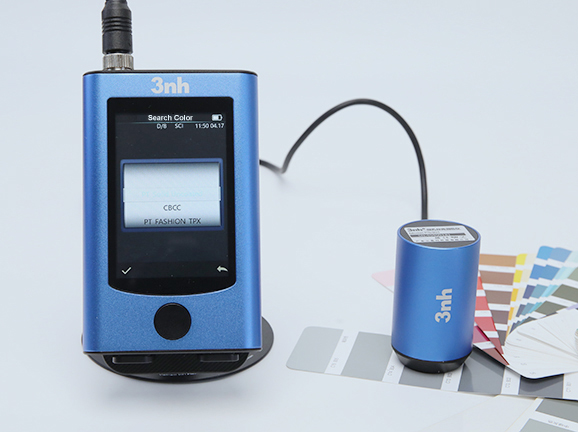
Built-in electronic color card library: The device has a pre-installed standard electronic color card, so there is no need to carry a physical color card booklet, which can quickly compare the target color with the standard color sample.
One-click matching and filtering: After measuring the sample, the instrument can automatically identify the closest electronic color card number and color difference data, helping users quickly determine the color assignment and degree of deviation.
Highly efficient quality control: In the processes of incoming material inspection, production batch comparison, and finished product sampling inspection in industries such as plastics and electronics, paints and inks, and textile printing and dyeing, the efficiency of color determination is greatly improved and human error is reduced.
Scalability: Supports user-defined import or update of electronic color card libraries, meeting the digital management and application needs of enterprises' own standard color libraries.
Multiple interface support: Equipped with multiple interfaces such as USB, Bluetooth, RS485 (probe end), RS232, and RJ45, it is convenient to connect with PLC, computers, printers, industrial controllers and other devices to achieve high-speed data transmission and system integration.
Multi-device communication and collaborative work: Supports networking of multiple devices, suitable for multi-point color synchronous monitoring in automated production lines, and building a distributed color measurement system.
External triggering and real-time feedback: Supports external triggering measurement, and can work in conjunction with production line sensors, robotic arms, etc. to achieve automated and synchronized data acquisition, facilitating closed-loop control.
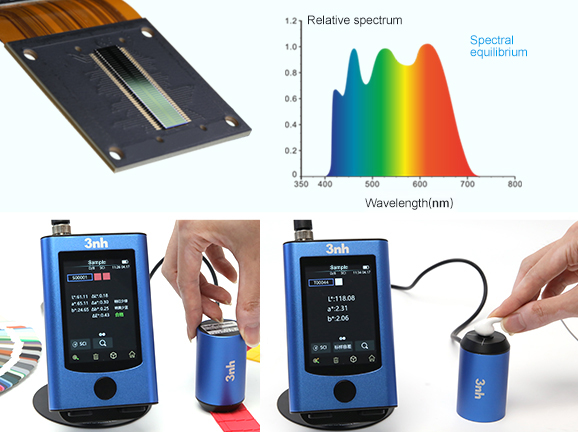
Optical core: It adopts dual-channel silicon photodiode array sensors (32 groups in two rows) and nano-integrated spectral devices, with a wavelength range of 400-700nm, a wavelength interval of 10nm, and high spectral accuracy.
Good repeatability: standard deviation of chromaticity value ΔE*ab ≤ 0.02 (30 measurements at 5s intervals after whiteboard calibration), standard deviation of spectrophotometric reflectance ≤ 0.1% (≤ 0.2% in the range of 400-700nm).
Small inter-device difference: ΔE*ab ≤0.3 (average value of 12 color plates in BCRA series II), ensuring data consistency among multiple devices.
High display accuracy: 0.01%, reflectance resolution 0.01%, reflectance measurement range 0-200%, meeting high-precision quality control requirements.
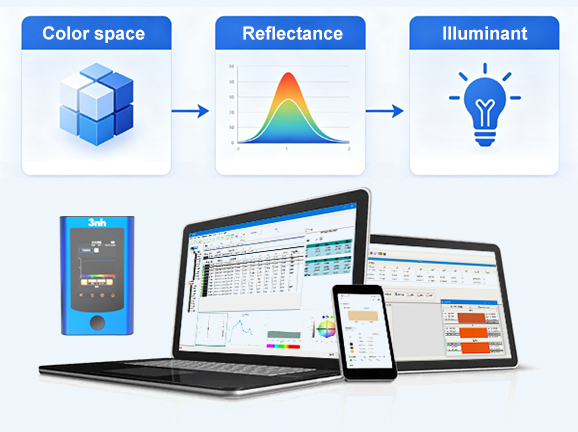
Rich colorimetric indicators: Supports multiple color spaces such as CIE LAB, XYZ, Yxy, LCh, CIE LUV, s-RGB, HunterLab, βxy, DIN Lab99, etc.; covers multiple color difference formulas such as ΔEab, ΔE94, ΔEcmc, ΔE00, DINΔE99, etc.
Diverse colorimetric indicators: including spectral reflectance, whiteness (ASTM E313, CIE/ISO, ISO2470/R457, etc.), yellowness (ASTM D1925, ASTM 313), metamerism index (MI), staining/color change fastness, strength, opacity, 555 hue classification, Munsell (C/2), blackness (My, dM), color density (CMYK), tint, etc.
Multiple light sources and observer angles: Supports 32 types of observation light sources, including D65, A, B, C, D50, F series, and LED series, with selectable 2°/10° observer angles, conforming to international standards.
Comprehensive software ecosystem: Supports multiple platforms including Android, iOS, Windows, WeChat Mini Programs, and HarmonyOS, and provides quality management software (downloadable from the official website) to enable data storage, analysis, export, and traceability.
Long-lasting light source: Combined full-spectrum LED light source with a lifespan of up to 10 years or more than 3 million measurements, reducing maintenance costs.
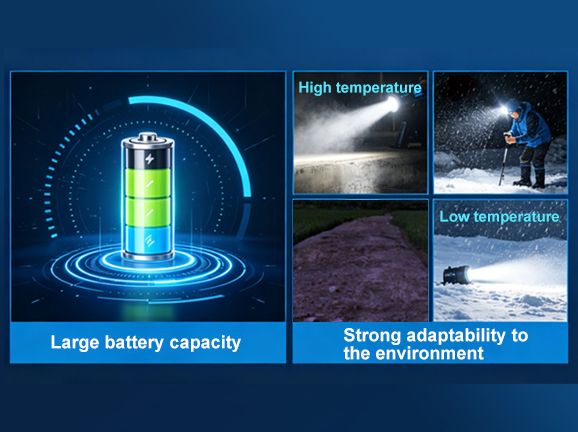
High-capacity battery: 3200mAh lithium battery, which can support about 9 hours or 15,000 measurements on a single charge, meeting the needs of long-term operation.
Strong environmental adaptability: operating temperature 0~40℃, storage temperature -20~50℃, humidity ≤85%RH (non-condensing), suitable for industrial site environments.
Metrological compliance guarantee: The equipment is guaranteed to be metrologically compliant at the factory, ensuring that the measurement results are traceable and reliable.
The PS401 spectrophotometer is suitable for color difference quality control in industries such as plastics and electronics, paints and inks, textiles and apparel printing and dyeing, printing, ceramics, food packaging, cosmetics, and automotive parts. Its 1mm micro-aperture diameter is ideal for color control of extremely small samples, precision injection molded parts, screen-printed patterns, wires, and minute areas. Its dual-purpose design and rich interfaces enable it to deliver efficient, accurate, and stable color measurement capabilities in automated production lines, robotic arm integration, laboratory testing, and mobile inspection scenarios.
Product Model | PS401 Spectrophotometer |
Lighting Method | D/8 (diffuse illumination, 8° direction reception), SCI (including specular reflection), conforming to standards CIE No.15, GB/T 3978, GB 2893, GB/T 18833, ISO7724-1, ASTM E1164, DIN5033 Teil7 |
Characteristic | Employing a dual-channel silicon photodiode array sensor with a built-in electronic color card. It is used for color difference quality control in industries such as plastics and electronics, paints and inks, textiles and apparel printing and dyeing, printing, and ceramics. |
Lighting Source | Combined full-spectrum LED light source |
Integrating Sphere Size | Φ20mm |
Spectrophotometry | Nanoscale integrated spectral devices |
Sensors | Silicon photodiode array (dual-row, 32 groups) |
Measurement Wavelength Range | 400-700nm |
Wavelength Spacing | 10nm |
Measuring Diameter | 1mm |
Light-containing Methods | SCI |
Color Space | CIE LAB, XYZ, Yxy, LCh, CIE LUV, s-RGB, HunterLab, βxy, DIN Lab99 |
Color Difference Formula | ΔE*ab, ΔE*uv, ΔE*94, ΔE*cmc(2:1), ΔE*cmc(1:1), ΔE*00, DINΔE99, ΔE(Hunter) |
Other Colorimetric Indicators | Spectral reflectance, WI (ASTM E313, CIE/ISO, ISO2470/R457, AATCC, Hunter, Taube, Berger, Stensby), YI (ASTM D1925, ASTM 313), metamerism index MI, staining fastness, color change fastness, strength, opacity, 555 hue classification, Munsell (C/2), blackness (My, dM), color density CMYK, Tint |
Observer's Perspective | 2°/10° |
Observation Light Source | D65, A, B, C, D50, D55, D75, F1, F2(CWF), F3, F4, F5, F6, F7(DLF), F8, F9, F10(TPL5), F11(TL84), F12(TL83/U30), U35, NBF, ID50, ID65, LED-B1, LED-B2, LED-B3, LED-B4, LED-B5, LED-BH1, LED-RGB1, LED-V1, LED-V2 |
Display | Spectral graph/data, sample chromaticity value, color difference value/graph, pass/fail results, color simulation, color deviation |
Measurement Time | Approximately 1s |
Repeatability | Chromaticity value: Standard deviation ΔE*ab within 0.02 (after preheating and calibration, average value of 30 measurements on a white board at 5-second intervals) |
Inter-platform Difference | ΔE*ab within 0.3 (average value measured from 12 color swatches of BCRA Series II) |
Display Accuracy | 0.01 |
Reflectivity Measurement Range | 0-200% |
Reflectivity Resolution | 0.01% |
Measurement Method | Single measurement, average measurement (2~99 times) |
Positioning Method | Auxiliary positioning lines |
Whiteboard Verification Method | Contact whiteboard verification |
Size | Main unit: 80*132*20; Probe: φ43*73.5 |
Weight | Main unit: 250g; Probe (including calibration box): 240g |
Battery Power | Lithium battery, 3.7V, 3200mAh, 15,000 measurements within 9 hours |
Lighting Source Lifespan | 10 years, more than 3 million measurements |
Display Screen | TFT true color 3.5inch, capacitive touch screen |
Interface | USB, Bluetooth, RS485 (probe) |
Data Storage | Standards: 500, Samples: 10,000, APP/PC massive storage |
Software Support | Android, iOS, Windows, WeChat Mini Programs, HarmonyOS |
| language | Simplified Chinese, English, Traditional Chinese, Russian |
| Operating temperature range | 0~40℃, 0~85%RH (non-condensing), altitude: below 2000m |
| Storage temperature range | -20~50℃, 0~85%RH (non-condensing) |
| Accuracy Guarantee | Ensure measurement compliance |
| Standard Annex | Power adapter, data cable, instruction manual, quality management software (downloadable from the official website), white calibration box, positioning plate, Bluetooth adapter, RS485 adapter |
| Optional accessories | Mini printer |
| Note: | Subject to change without notice. |
1. When I received NH310/NH300 colorimeter and perform measurement, why the measured data is abnormal?
After receiving NH310/NH300, you have to perform white and black calibration manually when first starting.
2. In which condition, manual white and black calibration and auto calibration are required for NH310?
a. It’s needed to perform manual calibration for NH310 when first starting.
b. In the subsequent starting, NH310 will perform auto calibration at startup. No need to perform manual calibration.
c. Suggestion: it’s best to perform manual calibration once a week or when NH310 measured data is not accurate.
3. In which condition, manual white and black calibration for NH300 is required?
a. It’s needed to perform manual calibration for NH300 when first starting.
b. In the subsequent starting, no need to perform manual calibration.
c. Suggestion: it’s best to perform manual calibration once a week or when NH300 measured data is not accurate.
4. How to replace NH310 measuring aperture?
There are three measuring apertures for NH310: Φ8mm (standard accessory), Φ4mm (standard accessory), extended Φ8mm (optional accessory)
a. Turning on
b. Removing measuring aperture, install the needed measuring aperture.
c. Select “Settings-Aperture Setting” in main menu to select corresponding measuring aperture.
d. After selecting aperture, the instrument will display “White and Black Calibration” interface. White and black calibration must be performed.
e. Replace completed.
5. CQCS3 (Color Quality Control System) Installation
a. Before installation, please Copy CQCS3 folder to your computer and don’t remove any files in CQCS3 folder.
b. Double-click the setup.exe to install CQCS3 software.
c. Then double-click Install.bat under the CQCS3\USB_Driver file to install the driver.
d. Detailed installation information please read the "Installing Software" under CQCS3 User manual.doc.
6. How to check communication port?
a. Connect colorimeter to the PC with USB cable.
b. Turn on the colorimeter to enter main menu. Select “Comm” and press “Enter” key to start communication.
c. Right click on “My Computer” on the desktop. Click “Manage” -> “Device Manager” -> “Ports”, you can see similar display as “SCI USB2Serial (COM6)”.
d. Click “Settings->Communication Parameters” in CQCS3 software interface. Select the corresponding port in “Serial Port”.
7. After completing CQCS3 installation, how to solve the problem if it display “! USB Device” or “! SCI USB2Serial (COM6)” when checking the communication port?
a. Right click “! USB Device” or “! SCI USB2Serial (COM6)”, “Update Driver” -> “Install from a list or specific location (Advanced)” -> “Next” ->“Include this location in the search” -> “Browse”, specify USB driver file path “CQCS3\USB_Driver”, click “Next”. Then it will install successfully.
b.Detailed installation information please refers to “2.2 Installing USB Driver” in Color Quality Management System User Manual.doc.
8. Notes for First Using CQCS3 Software
a. Users must specify Standard File Name, Sample File Name and Sample Database File Name when first use.
b.Standard File is use to store standard measurement data. Sample File is used to store sample measurement data. Sample Database File is used to store the measured data exported from sample records.
9. How to solve the problem when “Connection Timeout” occurred?
a. When the colorimeter is disconnected to the PC, “Connection Timeout” will occur. At the moment, you have to check whether the USB cable is well connected the colorimeter and the PC. Then you can re-plug the USB to try out.
b. After ensuring the colorimeter is connected to the PC with USB cable, turn on the colorimeter and enter the main menu. Select “Comm” and press “Enter” key to start communication.
c. Turn off CQCS3 software, and reopen it.
10. How to solve the problem when the interface display "USB Disconnect"
a. Check whether the USB cable is connected. If not, please connect it. Check whether the connection is effective. You can re-plug the USB cable to test.
b. If the USB cable is connected well but the interface still displays "USB Disconnect", please re-start the colorimeter and enter "Menu" -"Comm"to start the communication.
c. Change the USB cable or change the USB port in you PC.
11. How to solve the problem when the colorimeter cannot be turned on in the condition of battery-powered?
a. If this phenomenon occurred, it means the battery power is not enough. You need to charge the battery.
b. When charge the battery, please insert the battery to the instrument, and plug in the adapter to charge the battery. After 5 minutes, the instrument can be turned on.
c. If the instrument still cannot be turned on after charging 5 minutes, you can pull out the adapter and re-plug in to check it. Or repeat this operation.
d. If the instrument still cannot be turned on after charging 5 minutes, you can turn off the colorimeter and turn on it again to check it. Or repeat this operation.
e. If you have tried all the methods above but the colorimeter still cannot be turned on, please change the battery.
